Twitch Says 1 Viewer When I Have More? 7 Reasons
You booted up your stream, hyped to chat with three close friends, but frustration soon set in as Twitch’s viewer count system stubbornly refused to budge from a lonely “1”.
Before assuming fault lies with your sluggish internet or throwing in the gaming towel altogether, understand that many fledgling streamers face similar technical hangups through no fault of their own.
We unravel why the numbers glitch out (from technical quirks to myths) and what you can fix, and we have a little bonus solution to forget this nonsense for good.
How Twitch Actually Counts Viewers
Alright, so what is the red number you see on your stream? That’s the Viewer Count, and it tracks who’s actively watching your live video, whether they’re logged in or not.
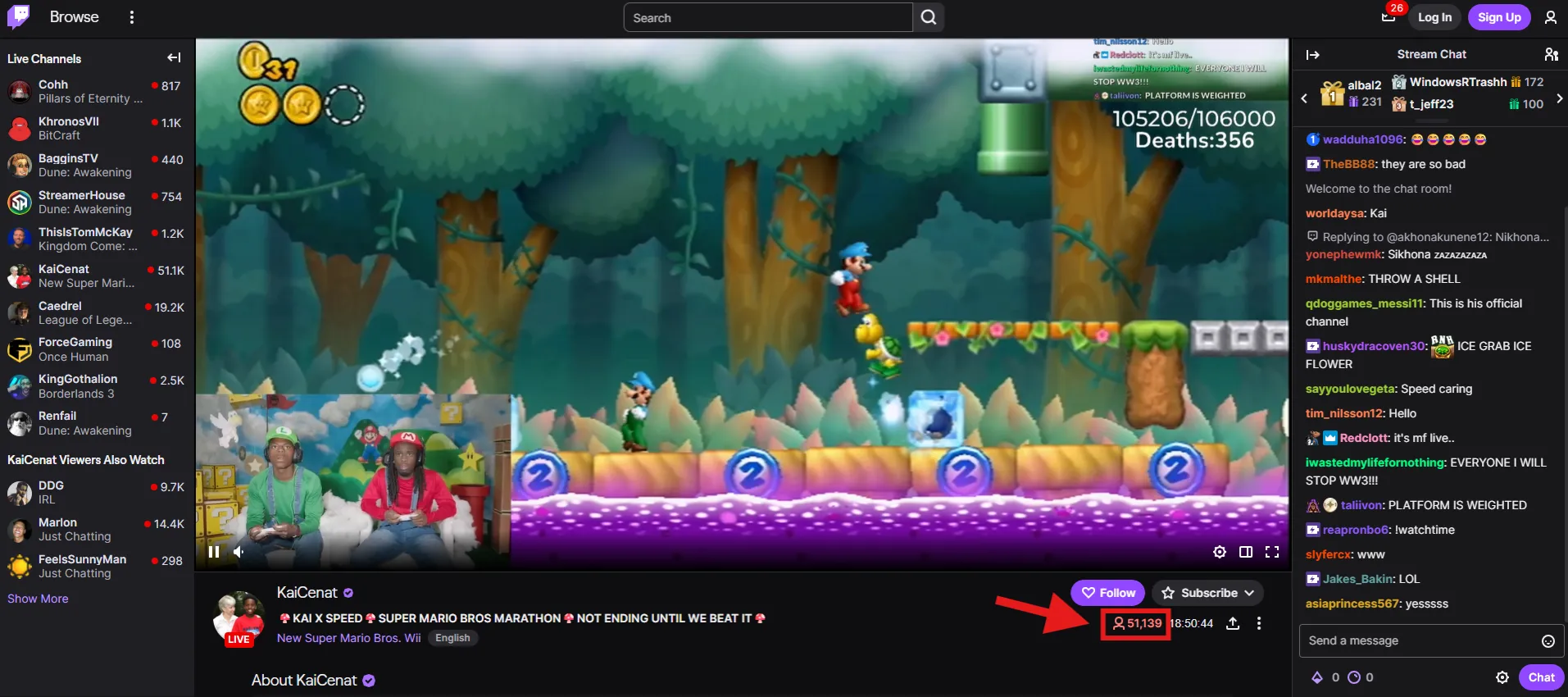
If someone’s got your stream playing - even in another tab, even on mute - Twitch says yep, that’s a viewer. But if the stream isn’t playing (like it’s paused or loading endlessly), they don’t count. However, people have reported that this is not the case, mostly on Reddit posts.
Now, here’s the twist: that Viewer Count has nothing to do with your Users in Chat - that list only shows Twitch accounts that have connected to your chat window. So, someone can chat but not watch the video, or vice versa.
Even chatbots might show up in chat but don’t count as viewers. And don’t expect real-time updates - both the viewer counter and chat list lag by a few minutes.
Bottom line? Twitch is counting actual video playback, not just people hanging around. That’s why your viewer count might say “1” while your chat’s popping off - they’re not the same thing.
Struggling with viewers? Check our ultimate guide on how to get more viewers on Twitch!
7 “Possible” Reasons Twitch Says You Have 1 Viewer (Some Are Patched)
Over the years, streamers have spun all kinds of theories about why viewer counts glitch.
Some of the below are from the past and have been solved by Twitch developers.
Muted Stream on Twitch Player - The Valorant Drops Dilemma
Remember the Valorant Drops chaos? When Riot Games first launched, thousands of viewers muted streams just to farm beta keys, and Twitch took notice.
The Loophole was that viewers would mute tabs (or use Chrome extensions like Tab Muter) to AFK-farm drops without listening.
Twitch fixed and tweaked their system to detect true engagement. Suddenly, muted tabs stopped counting reliably.
But here’s the twist.
Twitch officially says muted viewers still count… but streamers swear otherwise. Tests show muted viewers sometimes vanish after 60 seconds (Twitch’s refresh rate).

Tab is Inactive or in the Background (Sometimes)
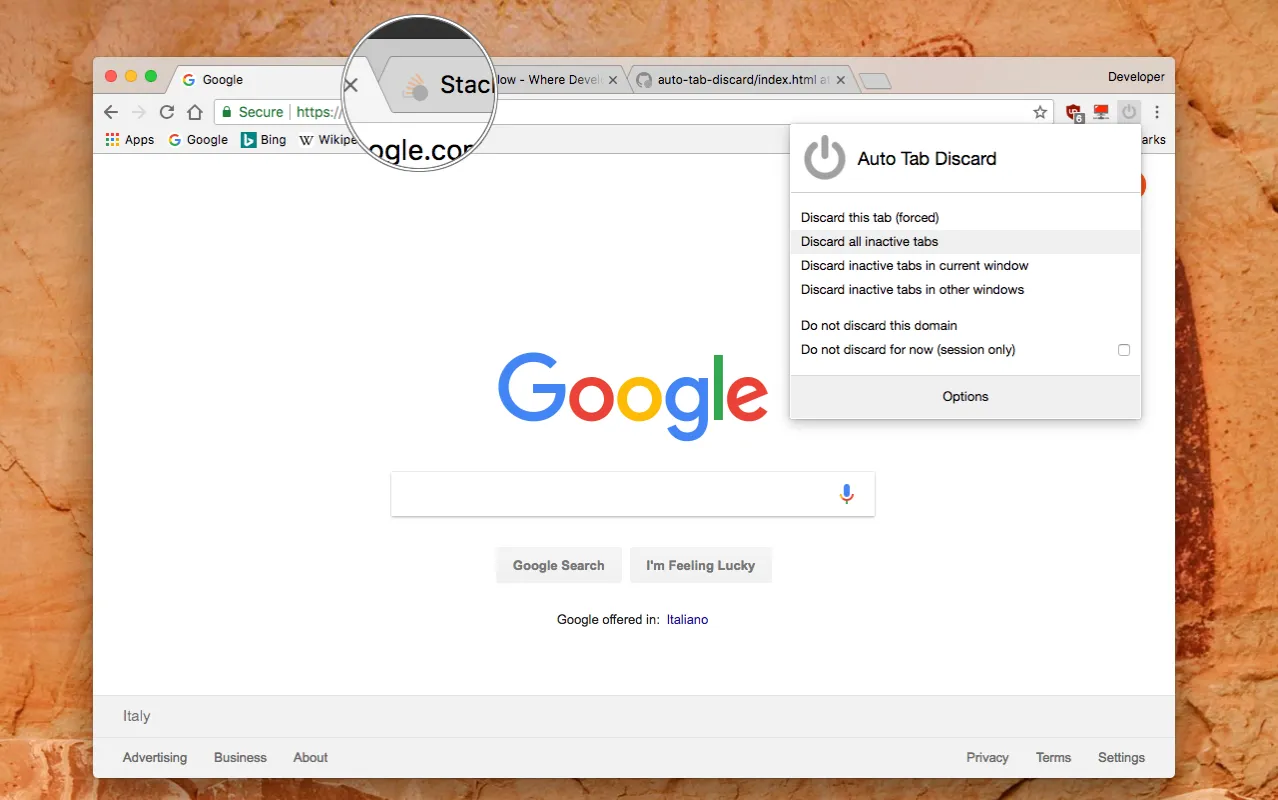
Have viewers multitask? Chrome (especially on mobile) might throttle background tabs to save data, making Twitch’s players pause updates.
Result? A “viewer” that is technically there but not counted there. Has anyone tested this recently and has more insights?
Same IP Address Limitations
When your roommate, sibling, and three pets are all “watching” your stream from the same WiFi, Twitch might raise an eyebrow. The platform sometimes lumps viewers from identical IPs together or (in rare cases) ignores duplicates to prevent artificial inflation.
If your whole squad’s watching from one house and the count’s stuck, this could be why.
Solution? Have a friend load up your stream on their phone data – if the number jumps, the mystery is solved.

Raids or Hosts Not Properly Counted
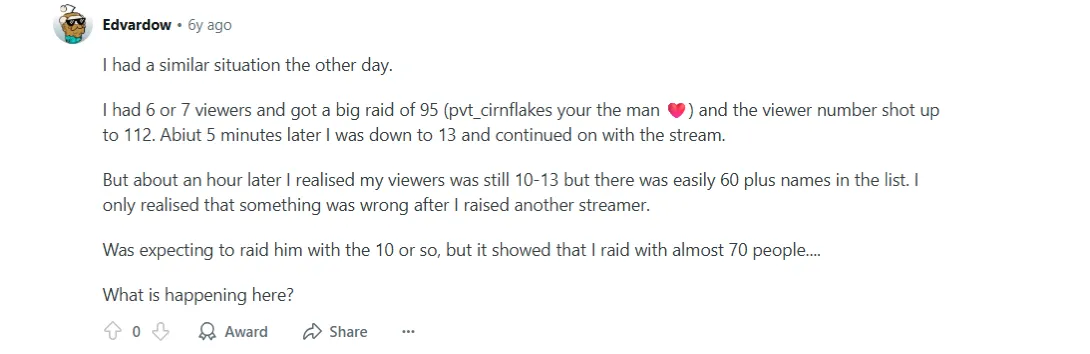
Nothing hurts more than a 50-viewer raid that only adds +2 to your counter.
Hmm… Here’s why: raid viewers often come with referral tags in their URLs, and sometimes Twitch’s system gets confused by counting them.
At least this is a situation where a streamer is experiencing this issue and posting it on a Reddit post.
Twitch Viewer Counter Delays
Twitch’s viewer math isn’t instant – it updates in a couple of minute chunks, so don’t panic if your numbers look frozen. Big swings (like a raid or sudden drop) might take even longer to stabilize.
Pro move: Check your Stream Manager’s “Unique Viewers” stat instead; it’s often more accurate than the live count.
Bugs on Twitch or in Streaming Software
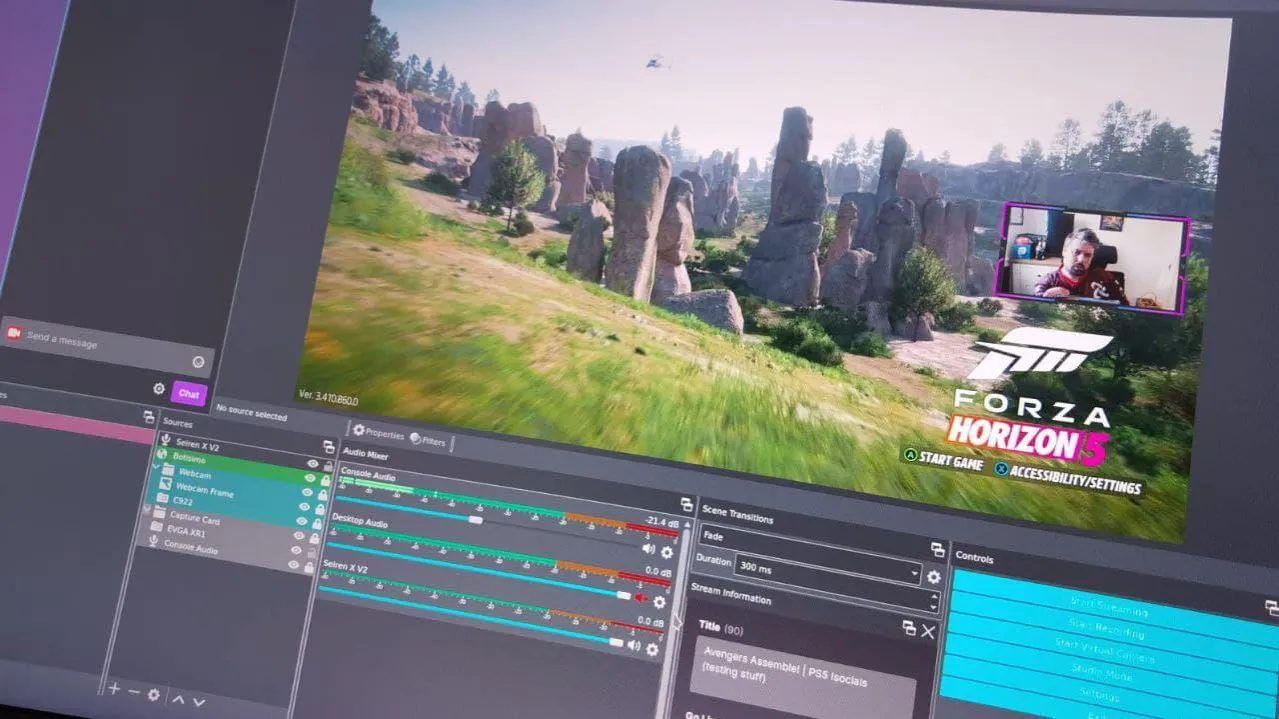
Twitch isn’t perfect. Sometimes, the platform just glitches out. Maybe your OBS says you have 10 viewers, but Twitch shows 1. Maybe your dashboard freezes entirely. Classic Twitch.
1. Stream Software Bugs: OBS, Streamlabs, and others sometimes report inflated numbers due to caching or connection hiccups. 2. Twitch Server-Side Issues: If your count is stuck at “1” for hours despite an active chat, it might be Twitch’s fault—not yours.
Quick Fixes:
1**. Refresh your Twitch dashboard** (or, better yet, check Stream Manager).
2. Restart OBS/Streamlabs - sometimes, that forces a sync.
3. Check Twitch’s status page to see if there’s a known issue.
If nothing works? Don’t stress. Your real audience is still there - Twitch just can’t math right today.
Logged Out / Not Signed In
Twitch says anonymous viewers count, but let’s be honest - they’re flaky at best. Some logged-out lurkers might register, but others don’t. Why?
1. Cookie/Ad-Blocker Issues: If a viewer blocks tracking, Twitch might not log them properly.
2. Incognito Mode: Private browsing can sometimes prevent accurate counting.
3. Mobile Browsers: Some don’t register unless the stream is in focus.
When It’s Actually a Bug (And How to Report It)
Okay, so you’ve checked everything:
✔️ No muted tabs
✔️ No IP conflicts
✔️ No third-party app shenanigans
✔️ Chat’s active, but your viewer count is hard-stuck at 1
Now what?
1. Test with a second device – Open your stream on the phone (different IP). If it still doesn’t count, it’s probably Twitch’s fault.
2. Restart your stream – Sometimes, a fresh go-live forces Twitch to reset its counter.
3. Report it – Use Twitch’s official bug report form. The more details, the better.
If this happens often, take screenshots - Twitch Support loves “proof.”
Conclusion
Look, Twitch’s viewer count has always been a little… creative with the truth. Between delayed updates, background tabs, and random bugs, your real numbers are likely higher than what you see.
But if you’re tired of playing “guess the algorithm” and want real control over your stream’s growth? Remember at the beginning of the article we said we have a bonus to solve this?
🚀 Viewbotter’s viewbotting service gives you the boost you need - no waiting for Twitch to fix its math. On top of that, we have real follow bots and chat bots to assist as a complete package.
More viewers, more credibility, less stress.
FAQ
Q: Does muting a Twitch stream affect viewer count?
A: Officially, no - but anecdotally, sometimes yes. Twitch says muted viewers count, but some streamers swear they don’t.
Q: Why does my viewer count drop when I raid someone?
A: Raids can take a few minutes to fully process. Give it time, or ask your viewers to manually refresh after joining.
Q: Can VPNs mess up my viewer count?
A: Possibly! If multiple viewers use the same VPN IP, Twitch might lump them together or ignore some.
Q: How long does it take for Twitch to update viewer counts?
A: Usually a couple of minutes, but during big raids or Twitch outages, it can take longer.
Q: Does Watching Through Third-Party Apps or Devices Count as Twitch View?
A: Absolutely YES. Twitch has explicitly said that watching through third-party applications or devices contributes to the overall view count shown on stream.